Skip to content

Xiaomi 4 Pro front wheel side covers with red reflective strips


€8.84
In stock (can be backordered)
- Worldwide delivery
- Fast delivery through Europe
- Highest quality in the market

Xiaomi 4 Pro front wheel side covers with red reflective strips
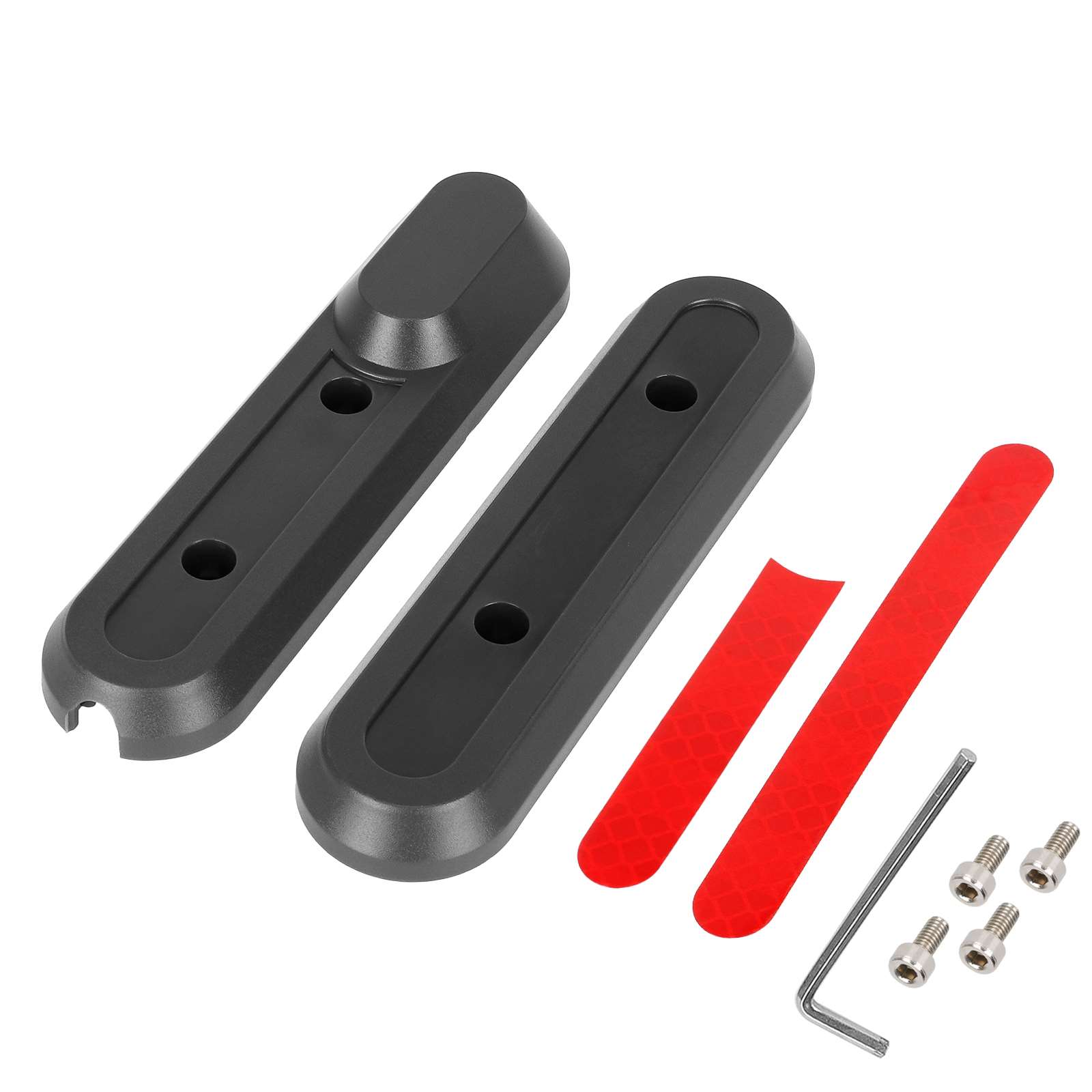
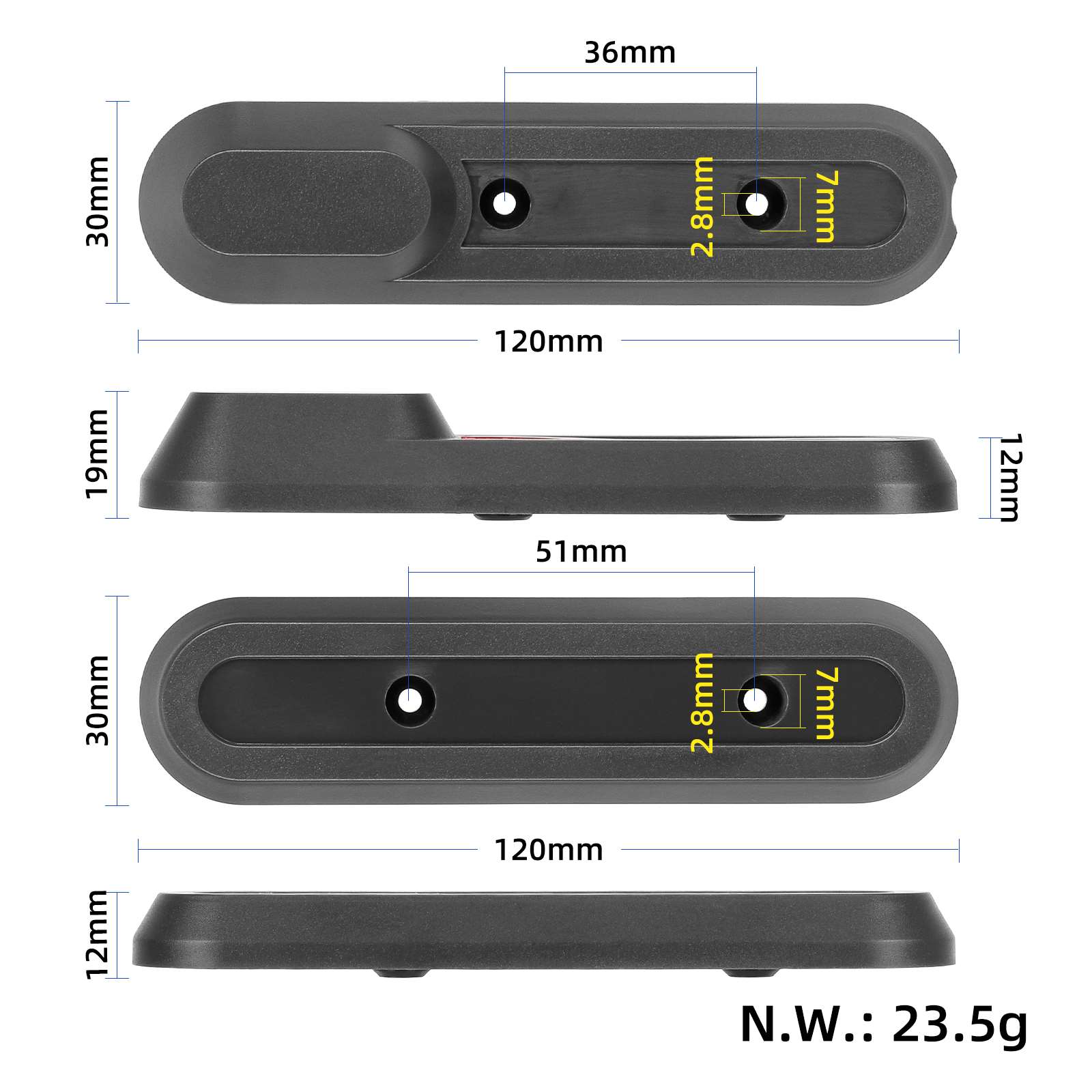
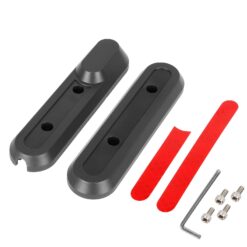
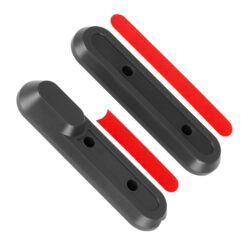
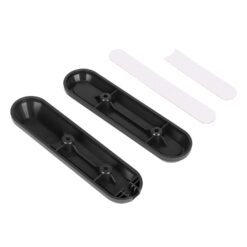
Dark grey front wheel side covers for the first-generation Xiaomi 4 Pro, with red adhesive reflective strips, four mounting screws and a hex key.
Description
Xiaomi 4 Pro front covers fit the sides of the front wheel on the first-generation scooter. The dark grey plastic pair comes with red adhesive reflective strips, four mounting screws and a hex key. The set lets you replace worn or damaged trim at the front wheel.
Xiaomi 4 Pro front covers with red strips
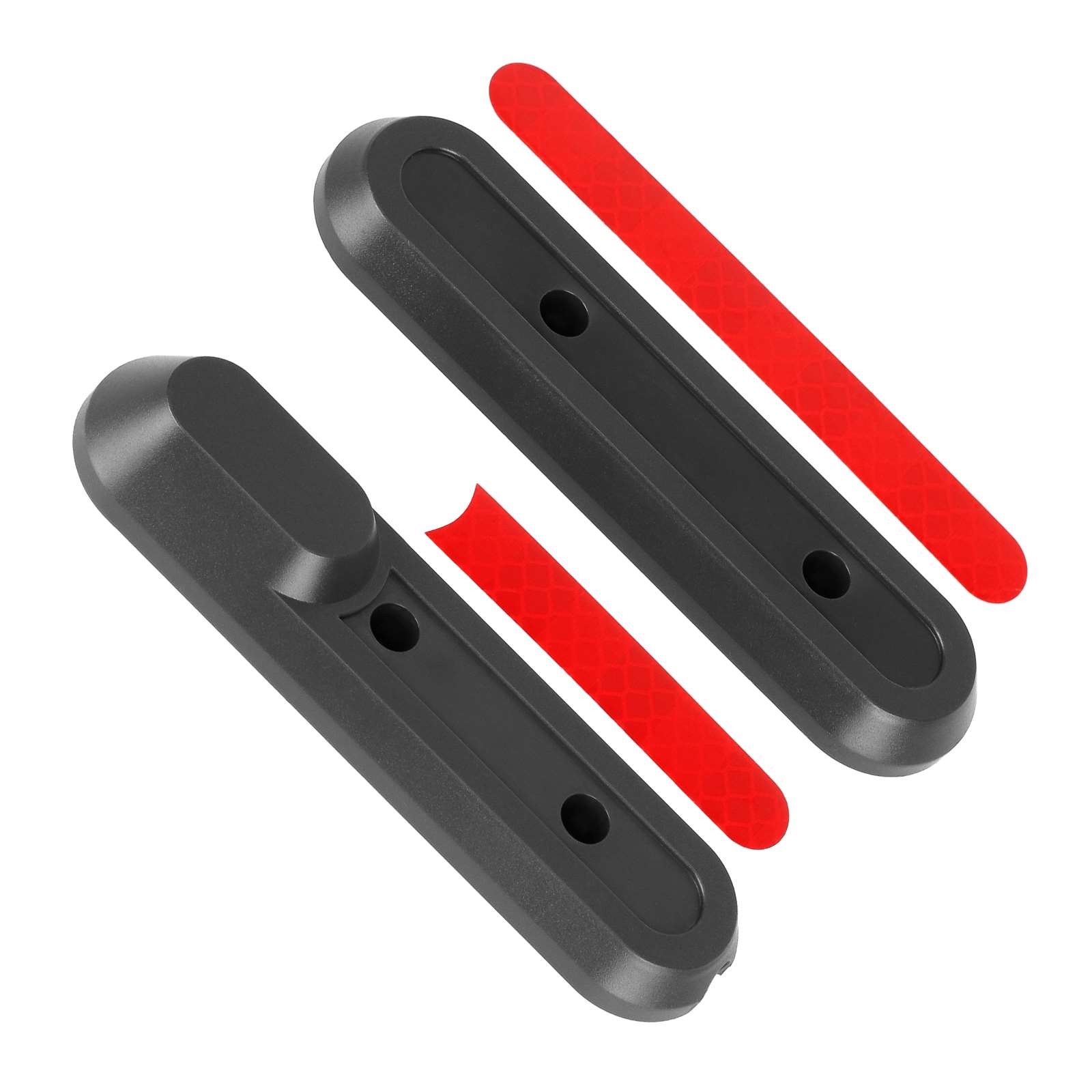
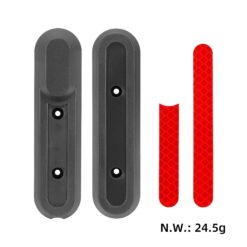
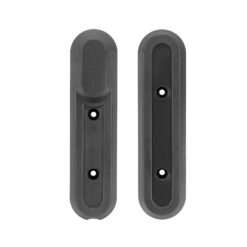
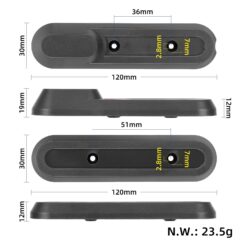
The set contains a left cover and a right cover. The red strips adhere to the outer surface of the covers and reflect incident light. Compare the profile of each piece, the mounting holes and the strip location with your existing front wheel trim before fitting the replacements.
Fitting the front wheel covers and strips
Clean the mounting area and align the covers with the fixing points. Apply the adhesive strips to clean, dry surfaces and press each strip along its full length. After securing both covers, check that they sit firmly and the front wheel rotates freely.
Positioning the red reflective strips
Dry fit the strips with the backing paper still on. Line up their ends with the recesses in the grey covers and check the orientation against the old trim or the product photo. Once each strip is aligned, peel the backing and lay it down from one end. Smooth the strip outward from the middle to keep its edges flat and clear of the screw holes.
Additional information
| Weight | 0.05 kg |
|---|---|
| Dimensions | 12 × 3 × 4 cm |
| Suitable for models: | XIAOMI MI 4 PRO |
| Category | Caps and locks |
Related products