Skip to content

Xiaomi Elite dashboard communication cable, 152.5 cm
€9.86
Available on backorder
- Worldwide delivery
- Fast delivery through Europe
- Highest quality in the market

Xiaomi Elite dashboard communication cable, 152.5 cm
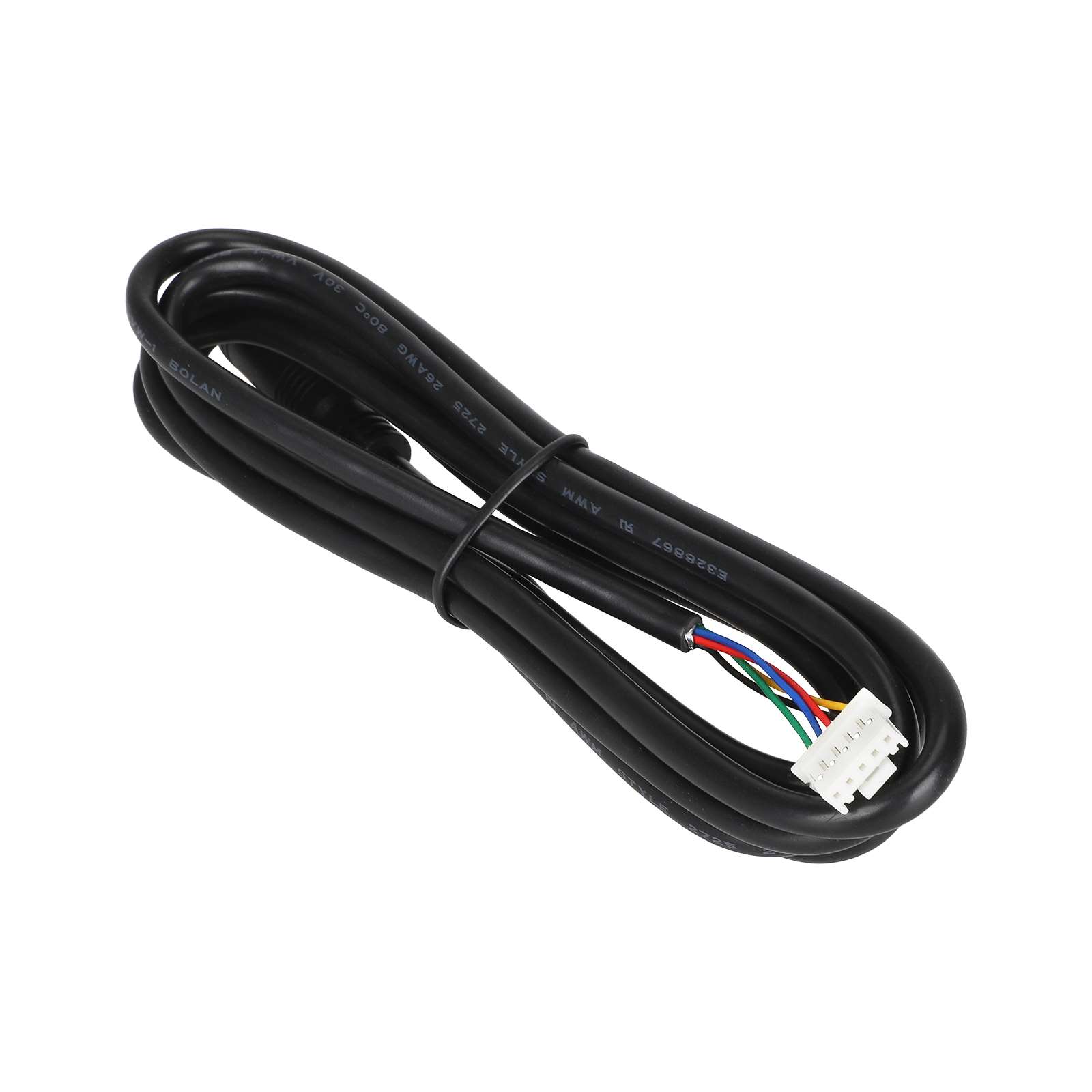
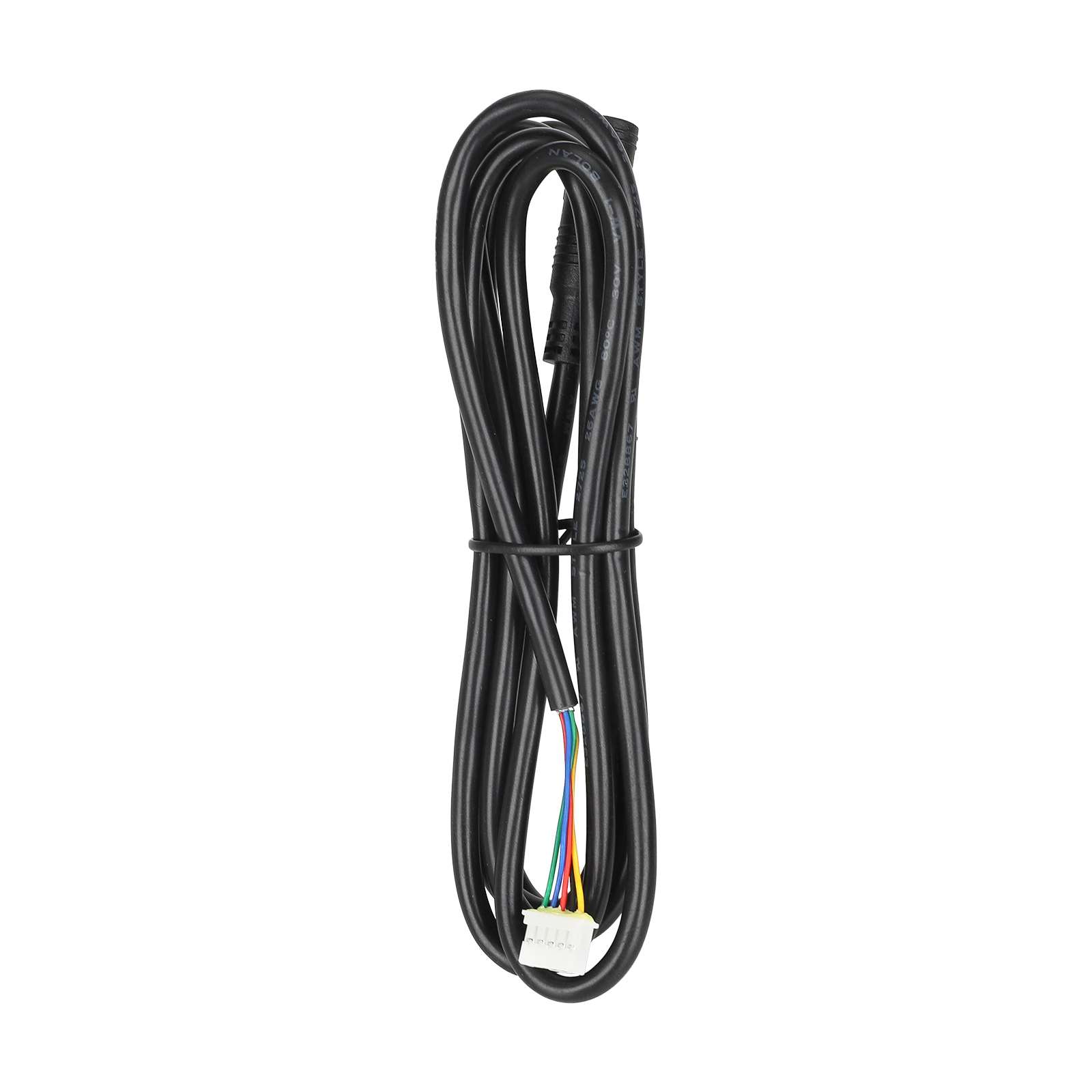
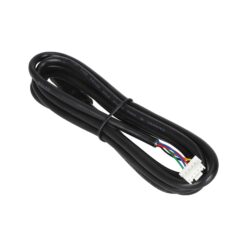
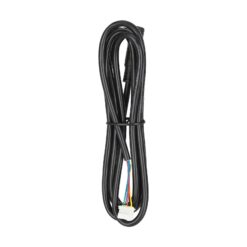
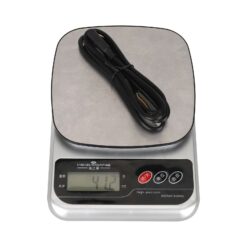
Xiaomi Elite dashboard communication cable links the display to the controller. This original 152.5 cm harness has a circular connector at one end and a white rectangular plug at the other.
Description
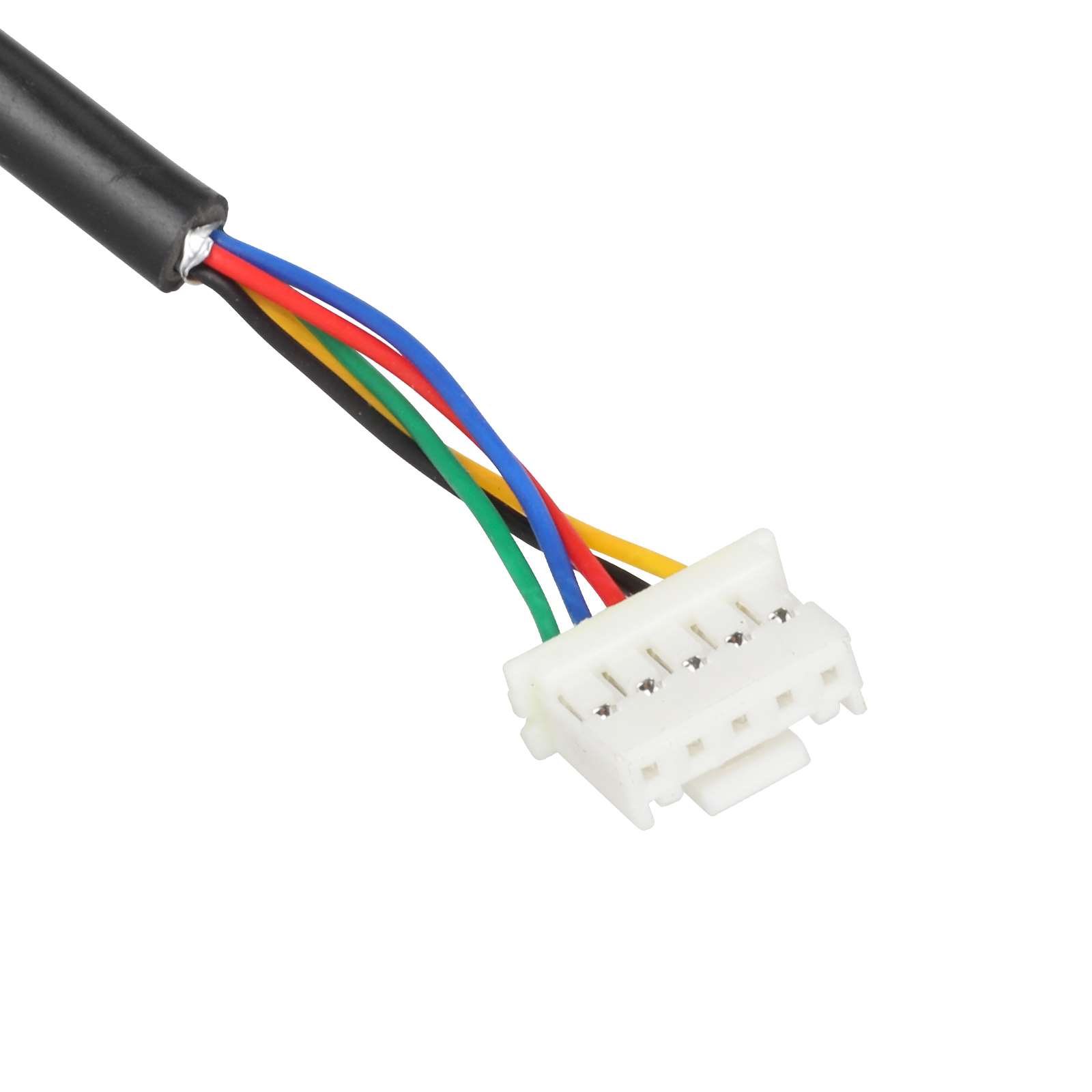
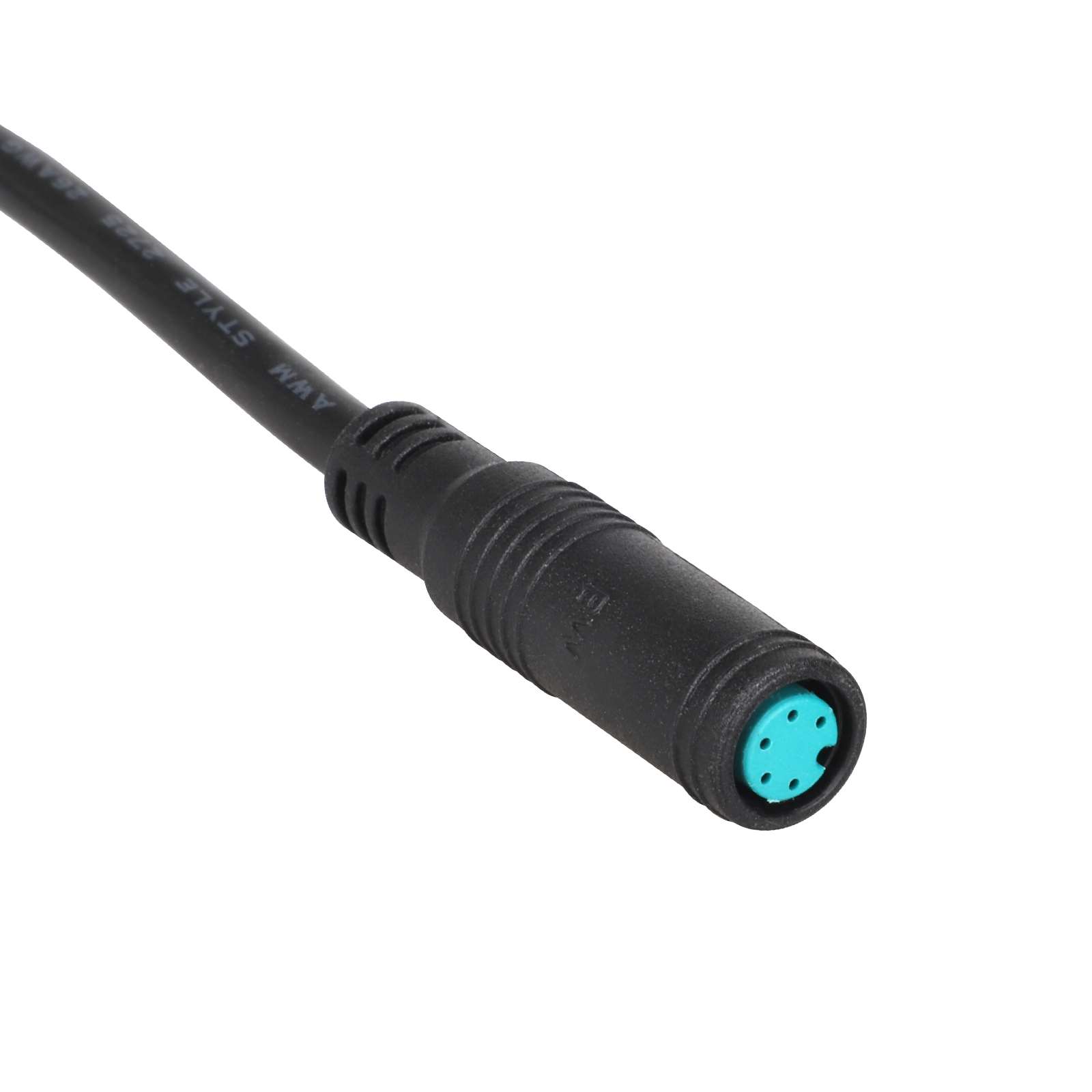
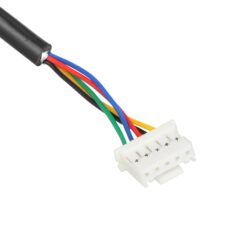
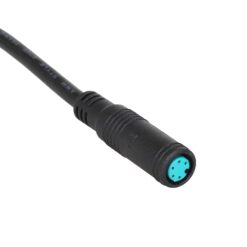
Xiaomi Elite dashboard communication cable links the handlebar display to the controller. The original cable has a black outer sheath and different connectors at its ends. One is a black round connector with a blue-green insert, while the other is a white rectangular plug with a latch. The coloured cores are visible beside the white connector. The set includes one cable with both connectors fitted.
Xiaomi Elite dashboard communication cable dimensions
- Model: Xiaomi Electric Scooter Elite.
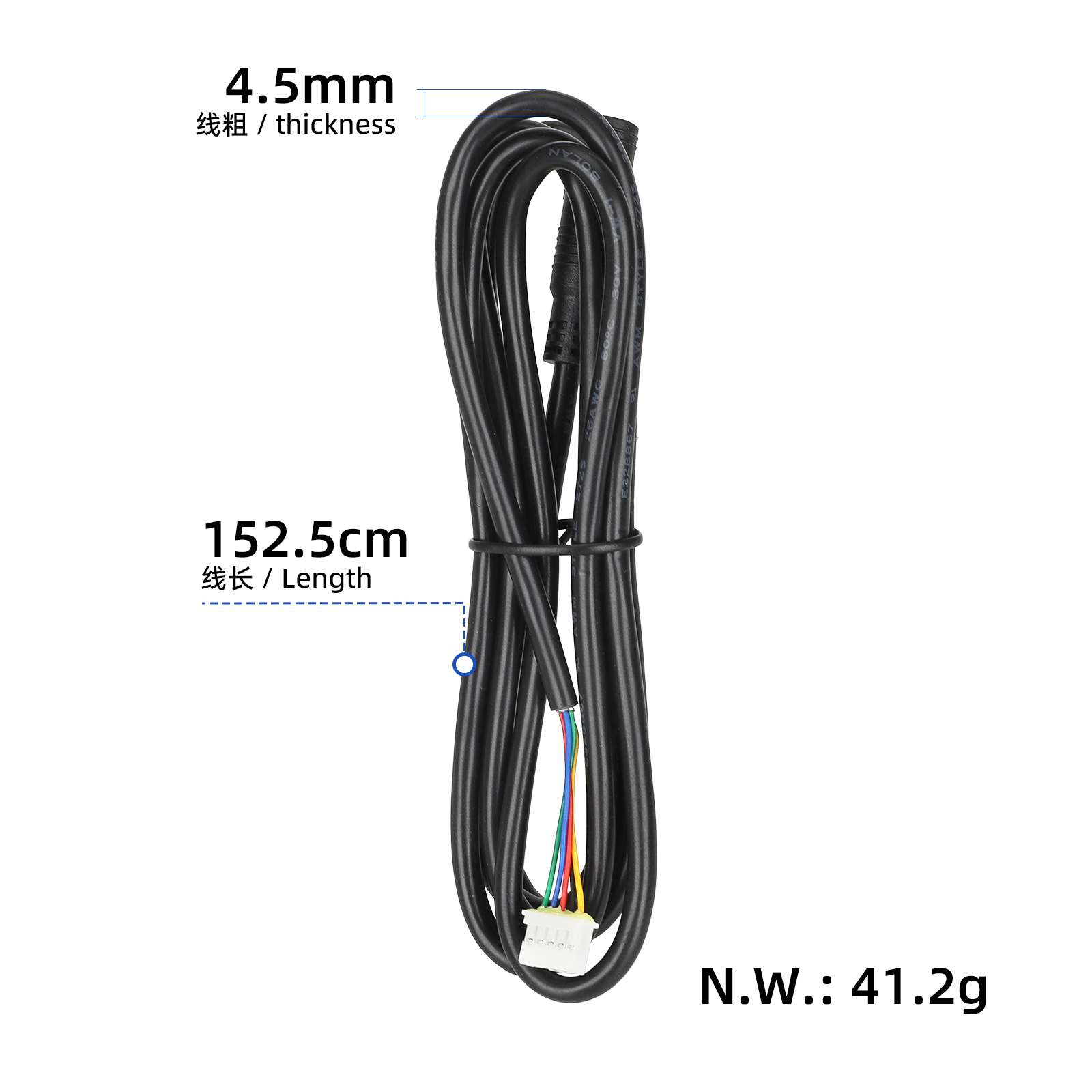
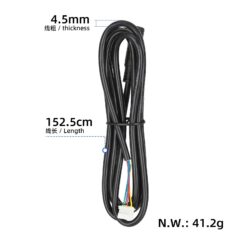
- Cable length: 152.5 cm.
- Outer sheath diameter: 4.5 mm.
- Ends: black round connector and white rectangular plug.
Compare both ends with the removed cable. Check the alignment notch on the round connector and the shape and latch on the white plug. Colour helps identify an end, but the connector profile must match as well. The gallery has a close-up view of each end. The dimension photograph separately identifies the cable length and the sheath diameter.
Match the original cable route
If the cable is still installed, record the route from the handlebar to the controller before pulling it out. Include the concealed length when comparing the replacement. A cable that is too short can pull tight when the handlebar turns or the stem folds. A similar plug on a different scooter cable does not establish fit. Check both connectors and the overall length. If the display cuts out intermittently, inspect connections and any points where the old cable bends or has been pinched.
Check the connections and clearances
Route the new cable along the original path and keep it clear of housing edges. Align the round connector with its guide and check that the latch on the white plug seats. Before closing the housing, check that the display powers on and that turning the handlebar leaves enough cable movement. If the connection still fails, inspect the sockets on the display and controller as well.
Additional information
| Weight | 0.035 kg |
|---|---|
| Dimensions | 14 × 2 × 1 cm |
| Suitable for models: | XIAOMI ELITE |
| Category | Wiring and connectors |
Related products