Skip to content

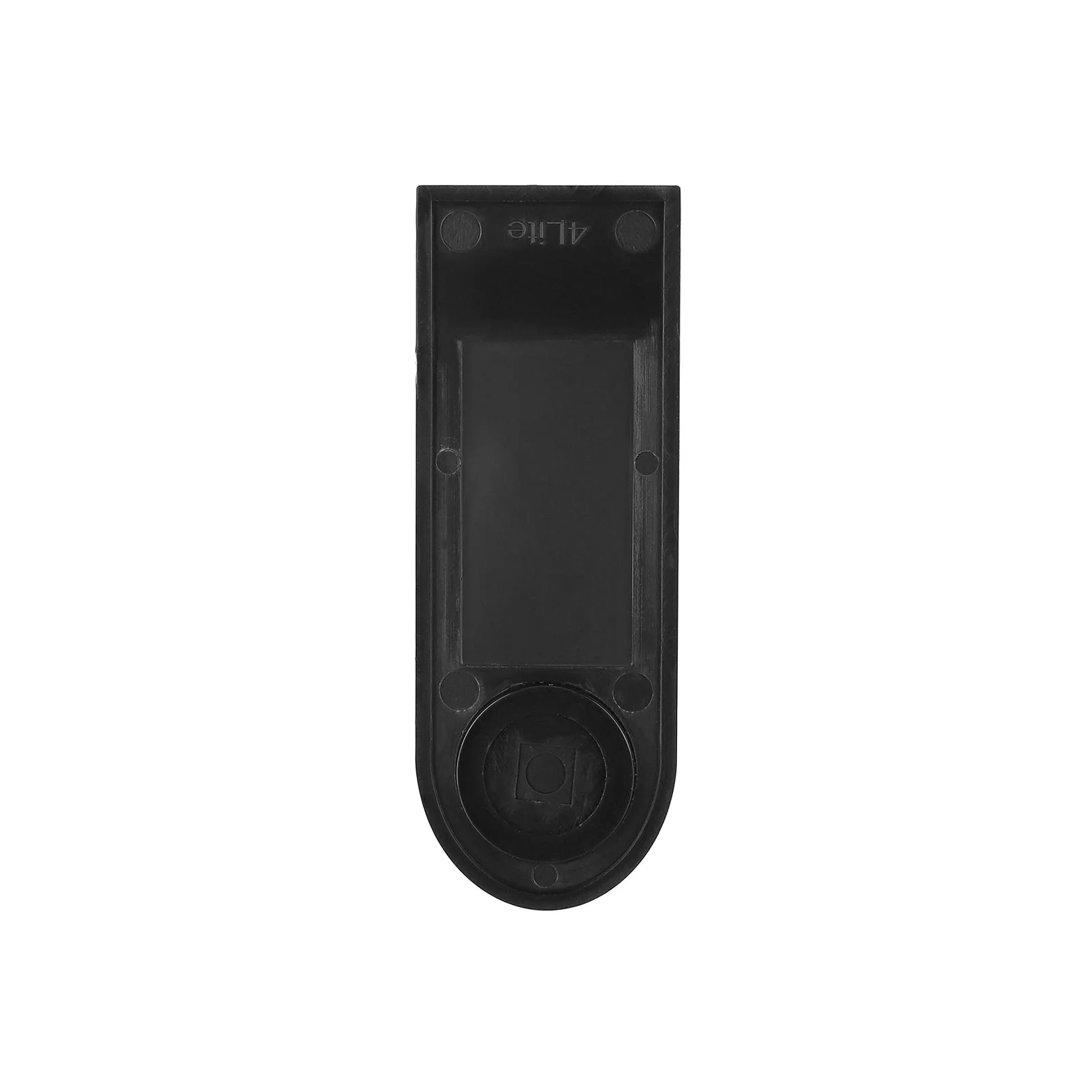
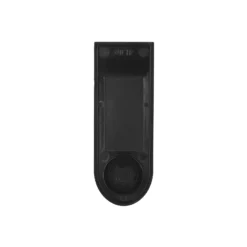
Xiaomi 4 Lite display cover, first generation


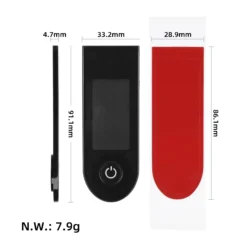
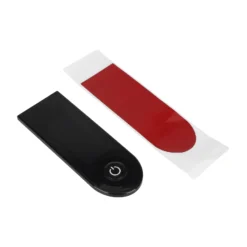
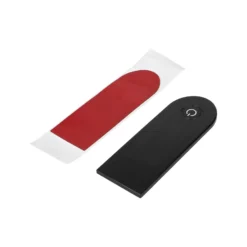
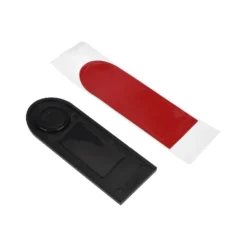
€3.88
In stock (can be backordered)
- Worldwide delivery
- Fast delivery through Europe
- Highest quality in the market

Xiaomi 4 Lite display cover, first generation
Rigid black dashboard cover with double-sided adhesive for the first-generation Xiaomi 4 Lite electric scooter.
Description
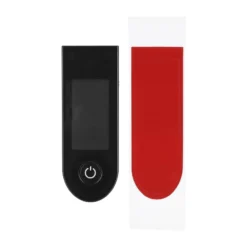
The Xiaomi 4 Lite display cover is a rigid black panel for the first-generation scooter dashboard. The clear window leaves the display readings visible. The cover replaces a scratched, cracked or loose cover and comes with a pre-cut strip of double-sided adhesive.
Xiaomi 4 Lite display cover with adhesive
Choose this part when the display still works and only its outer surface needs replacing. The rigid cover fits onto the existing dashboard.
Choosing and fitting the cover
Check that your scooter is the first-generation Xiaomi Electric Scooter 4 Lite. Compare the shape and button position with the old panel before fitting. Remove any old adhesive and clean the dashboard rim so that the new adhesive can make contact around the cover.
Test the fit before peeling the backing
Set the cover on the dashboard with the adhesive backing still in place. Line up the clear window with the display and check that the rounded end sits over the button. The edge should sit flat all the way around the recess.
Apply the cover to a dry surface. Once it is lined up, press along the edges where the strip makes contact. Pressing the middle of the display window will do little to secure the rim. Then switch on the scooter and check that the button moves freely and the display is visible through the window.
Additional information
| Weight | 0.015 kg |
|---|---|
| Dimensions | 14 × 4.5 × 1.5 cm |
| Suitable for models: | XIAOMI MI 4 LITE |
| Category | Caps and guards |
Related products